
A plane lands at 22:40. By the time its passengers have cleared immigration and picked up their bags, the phone may first connect to a Japanese network at 23:30. Whether that half-hour consumes a whole eSIM day depends on the purchased package's clock. A calendar-day plan and a rolling 24-hour plan can behave differently, and the daily data refresh may be separate from the overall expiry. Read those rules before deciding to wait until midnight.
A late arrival also has a transport deadline. If live directions or a message to the hotel will help you catch the final connection, saving a fraction of a paid day may cost more than it returns. The decision belongs to the actual route from arrivals to your bed. The broader Japan eSIM setup guide covers installation; this page follows the clock after the aircraft lands.
Four separate moments can start or refresh a plan
Installation places the profile on the phone; enabling the line allows it to seek service. Activation may mean the first supported-network connection, though an installation-triggered package is also possible. The purchased validity period then has an end, while a daily high-speed bucket may renew on another schedule. A listing that says “seven days” or “3 GB/day” does not, by those words alone, answer when either clock begins.
↔ Scroll table left or right
| Clock | Check in the exact package | Late-night consequence |
|---|---|---|
| Profile installation | Can setup happen before Japan without starting validity? | Early setup is safe only if this product allows it. |
| First activation | Does installation, enabling the line or first covered-network connection count? | The first paid minute may precede the airport exit. |
| Overall validity | Is the purchased period based on dates or elapsed time? | Expiry can fall before the last airport transfer. |
| Daily allowance | When does the full-speed allocation renew? | Its refresh need not coincide with midnight or overall expiry. |
Airalo states that most of its packages begin validity on a supported connection in the covered area, but some begin on installation. That is a package-specific distinction, so installing early is not a universal rule. The same caution applies to whether unused daily data carries forward. For a 1 GB, 2 GB or unlimited comparison, note both the total duration and the daily reset before buying.
Airalo's unlimited high-speed bucket illustrates a rolling clock
Under Airalo's published unlimited fair-use terms, the default high-speed allocation is 3 GB in each 24-hour period beginning at activation; after the allowance, service slows to 1 Mbps until that period renews. A different threshold can be stated in a particular package's details. Someone who activates at 23:15 should not expect a fresh default 3 GB merely because the local clock reaches midnight 45 minutes later. That bucket is tied to activation time, not a calendar rollover.
The fair-use cycle is one clock, not proof about every Airalo package's total validity start. Check the package screen for that separate condition. If the plan is chosen for a late arrival followed by a full day of navigation, a rolling daily allowance avoids the particular midnight-reset assumption, but the end of the seven- or fifteen-day term still needs its own check. If data stops connecting despite a live plan, the roaming and network-selection troubleshooting guide addresses a different failure.
A provider-by-provider eSIM comparison is useful for reducing the shortlist, but a named provider can sell packages with different validity starts. The product selected at checkout remains the unit of comparison.
Klook's Japan listing defines connection but leaves a reset question
Klook activity 109393 advertises installation before departure and use when the eSIM connects to an overseas network. Its displayed Japan plans include per-day data and an unlimited tier with 10 GB of high-speed data each day, then 128 kbps. The public listing does not establish one universal midnight or rolling reset time for every selected variant. Treat “per day” as an allowance description until the selected package's terms identify the boundary.
If a departure at 23:30 makes that boundary decisive, ask the seller before paying. A screenshot of the chosen variant, rather than the marketplace's generic heading, is the useful record. The supported local carrier, total-data option and daily option can differ on the same listing, which is another reason not to transfer a rule between variants.
The Klook and KKday comparison treats network, fair-use limits and refunds as separate checkout questions. A reset time deserves the same specificity: the marketplace name does not fill a missing term on the selected offer.
Saily has a purchase clock as well as an arrival clock
Saily says a data plan can be installed and activated within 30 days of purchase. With the eSIM installed before travel, the package is designed to start working automatically on arrival. That makes a very early purchase worth checking even when the first Japan connection happens late at night. Buying more than 30 days ahead may create a timing problem before the airport transfer starts; the exact order and current app terms should be checked for the trip.
The purchase window does not establish whether Saily's selected Japan data allowance refreshes at midnight. These are different facts. A traveller comparing vendors should write down purchase deadline, activation trigger, overall expiry and daily refresh separately, then choose the plan whose timing covers the itinerary.
The useful timestamp is when you are ready to leave arrivals
Scheduled landing is not the point at which most travellers need navigation. Taxiing, immigration, baggage collection and customs can turn a 22:40 arrival into a much later landside decision. For the Narita last-transfer choice or Haneda hotel-or-city choice, use the time at which you can actually board transport. Apply the same timeline to first mobile-data use.
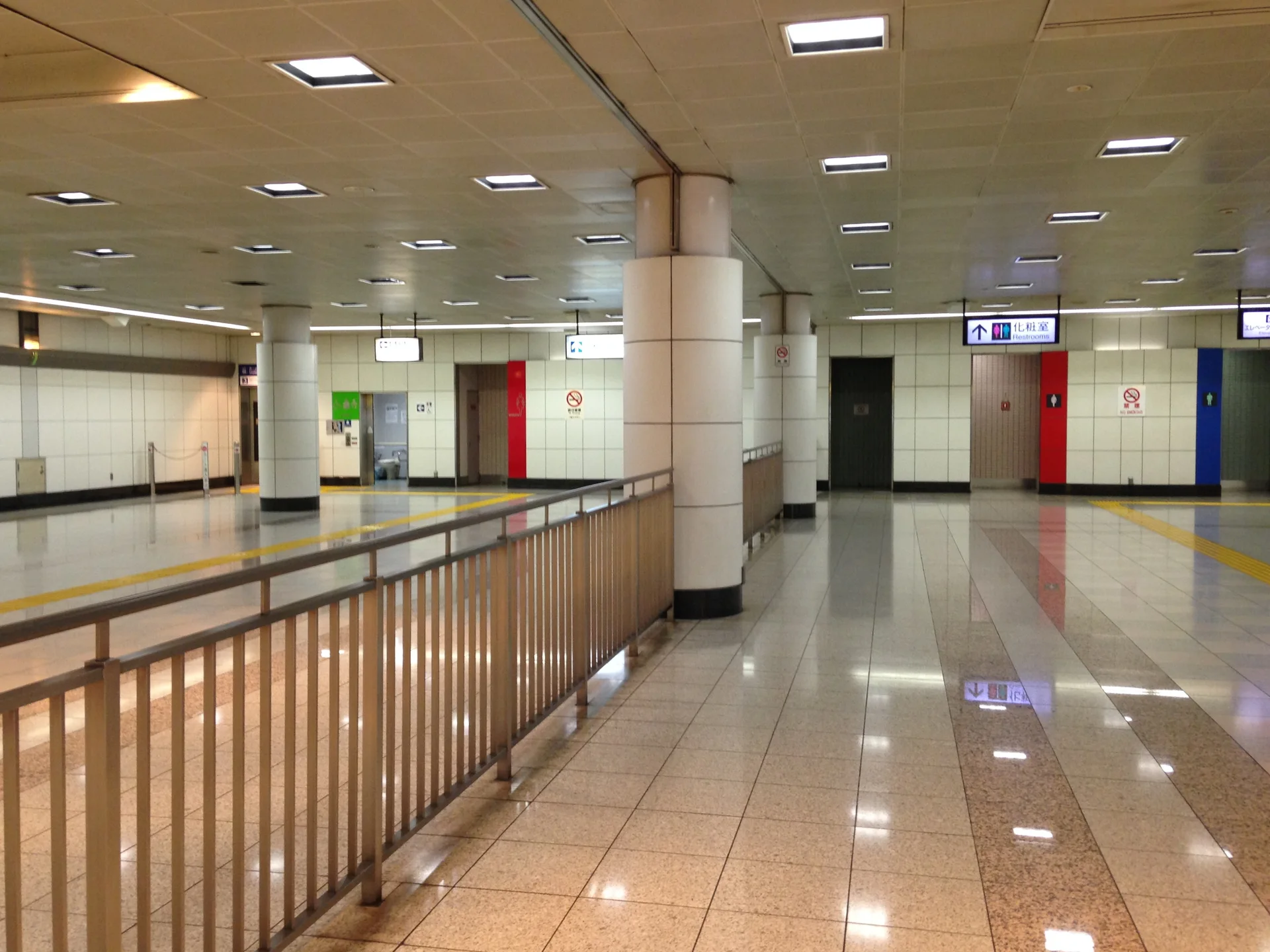
The photograph shows an airport-linked station corridor, not a mobile-data coverage map or evidence of a particular last train. Save the route and hotel address offline before flying, then use live transport information when the connection is tight. An Osaka airport-night decision follows the same landside-time principle. Fukuoka's late-arrival hotel guide helps when the first night's destination is closer to the airport than the planned sightseeing base.
The transfer can look quite different elsewhere: New Chitose's airport-versus-Sapporo decision and Naha's airport hotel choices put the final leg ahead of a generic 11 p.m. rule. A route that needs live information should keep connectivity available.
When waiting for midnight actually works
Suppose the selected package clearly counts calendar dates and first connection at 23:40 would consume Day 1. Waiting twenty minutes is reasonable if the onward walk is simple, the hotel address and route are offline, airport Wi-Fi remains usable and nobody needs a taxi app, hotel message or final train update. An airport hotel reached through a known indoor route is the strongest case. Even then, check that the product does not start at profile installation.
Connect immediately when the last bus or train is close, a rental-car collection or rural drive begins that night, the transfer has several changes, or two companions are separating to handle bags and transport. A live airline or hotel notice may matter too. Late arrival under those conditions makes the communications value concrete. Winter road travel particularly changes the cost of being offline; a late drive should not be arranged around an unverified reset rule.
When two people expect to rely on one line, a shared hotspot introduces battery and separation risk at the airport. A second connection or offline route can be more useful than an extra daily allowance.
Arrival before roughly 21:00 landside usually gives several practical hours of data that evening. Between about 22:30 and 23:59, the purchased clock and transfer complexity should be compared. After midnight, calendar-date anxiety disappears for that first night, while reduced transport options can make data more valuable. These are planning windows, not provider cutoffs. They do not override the exact plan conditions.
Count through the flight home, not only the first night
A late landing draws attention to the first thirty minutes, yet a plan that expires before the final airport trip may be the larger inconvenience. Evening sightseeing, an intercity train, rental-car return, fuel stop, a tight terminal connection, or weather disruption all give live data work to do on departure day. Count from the first moment it helps after arrival through the last point you need maps, rail updates, an airline notice or a hotel message. A slightly longer plan can be rational even when the first calendar date is short.
A seven-day overall term and a per-day high-speed bucket can end or renew at different times. Put four phrases from the exact checkout terms in your notes: when validity starts, when it ends, when the daily allowance refreshes, and whether unused data carries over. If the product omits an answer that changes the number of days to purchase, ask support rather than inferring midnight from “per day.” The seven-day data-volume guide helps size the allowance after the timing question is settled.
What to save if the app starts the clock unexpectedly
Make a timeline from the selected product's validity wording and the phone's local time. Record when the profile was installed, when its line and roaming were switched on, the first Japanese-network connection, and what the app shows as the expiry. Screenshots of the package and dashboard make a support request specific. Repeated deletion and installation can make matters worse because some eSIM profiles cannot simply be scanned again.
The same sequence can reveal a setup problem rather than a validity problem. A profile present on the phone but not selected for data, or roaming disabled on the travel line, can look like a dead plan. Device compatibility and carrier-lock checks belong before purchase; connection troubleshooting belongs after installation. Neither changes a seller's actual validity clock.
For a late flight, make the purchase decision from the exact package terms and the airport-to-hotel route. If it uses calendar days and the transfer can safely be completed offline, midnight may save one date. If it uses a rolling 24-hour reset, crossing midnight alone is irrelevant to that allowance. When the rule is unpublished or the journey depends on live information, buy enough duration to cover both arrival and departure and connect when needed.
For an 11 p.m. Tokyo arrival, check a room that accepts your late check-in before deciding when to activate the data plan.
Related trips and product terms
Airalo — Unlimited Fair Use Policy · Airalo — package validity policies · Saily — Japan activation terms · Klook — Japan eSIM listing 109393 · National Museum of Nature and Science 2026: The · KidZania Fukuoka Tickets 2026: 4 vs 6 vs · Sakura Castle: The Stamp Is Open 24/7 — · Fukuoka Solo Hotels: Stop Chasing the Cheapest Room—Choose · 10 Days in Japan: Tokyo, Kyoto and Osaka · Okinawa Girls’ Trip Hotels: Bathrooms, Luggage and Late · Where to Stay in Osaka for a Guys · Sapporo Solo Hotels: Late Returns, Snowy Walks and · Osaka Attractions Map: How to Group Namba, Umeda, · Yame Tea Experience: Hoshino, Tea Fields or a · Aomoriya and Oirase Keiryu Hotel: The Best Order · Kyushu National Museum Tickets: When ¥700 Is Enough · The Naha Terrace: Are 35m² Rooms and 12:00