
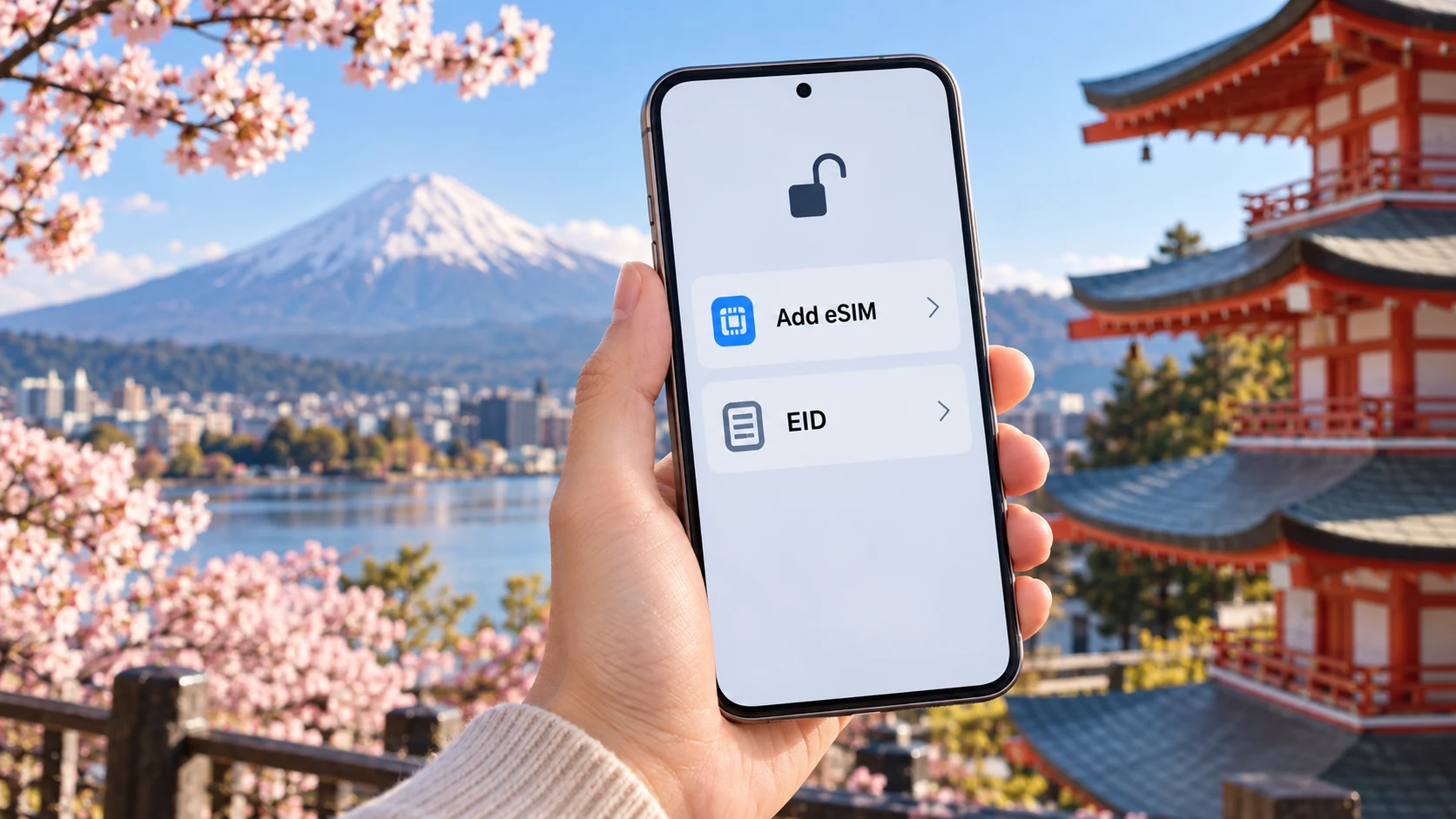
The name on the phone box is too broad to settle whether a Japan travel eSIM will work. An iPhone, Galaxy or Pixel series can include several regional models, with different SIM layouts and carrier conditions. You need the exact device in your hand, not a compatibility list that simply says “iPhone 15” or “Galaxy S24.” Check the model identifier, eSIM menu and carrier lock before paying for a data plan.
A useful pre-purchase test has four parts: can the phone add an eSIM, is it free to use another carrier, can your home number remain active in the arrangement you need, and does the travel plan accept that model? An EID is evidence of eSIM hardware, but a visible EID alone does not answer the other three questions.
Model, EID and carrier lock
Open the mobile-network settings and look for an option to add an eSIM or mobile plan. Then find the full model number, operating-system version and EID in the device information screen. If the EID is absent or the add option cannot be found, pause before buying a QR-code plan. You may be holding a regional version without the feature, a carrier-customized device, or a managed work phone with restricted settings.
Write down the full model code and the country or market where the phone was bought. Search the manufacturer's information for that combination. A search result for a similarly named phone sold elsewhere can be misleading. This is especially relevant when the same series has a physical dual-SIM version in one market and an eSIM-capable version in another.
The Settings menu can change with software updates. If a route described online does not match your screen, check the manufacturer's current instructions for your software version. Do not treat a missing button as proof of damaged hardware until you have established the model and any carrier or company restrictions.
What an EID can and cannot tell you
The EID identifies the device's embedded SIM hardware. On many phones it appears under About or through the device-information code *#06#. Seeing one is a useful starting point because an eSIM profile needs that hardware. It does not prove that the handset is unlocked, that its software permits a new profile, or that your chosen provider supports the phone's regional variant.
A phone may store several profiles yet allow only a limited number of active lines. If you plan to keep your regular number on for bank texts or calls while a Japan travel eSIM handles data, the simultaneous-line limit matters as much as basic compatibility. Decide which line will handle calls, messages and data before you travel; otherwise the installation can succeed while the trip setup still fails your needs.
iPhone: check the model, add menu and lock status
On iPhone, the relevant controls are usually under Settings > Cellular or Mobile Data. Look for Add eSIM. In Settings > General > About, record the model information and find Carrier Lock. Apple's wording “No SIM Restrictions” indicates an unlocked iPhone. If it shows a carrier restriction, contact the carrier that supplied the phone before purchasing a plan from someone else.
Regional differences make the model identifier essential. Apple notes that some iPhones sold in mainland China, Hong Kong and Macao use different dual-SIM arrangements, and its eSIM support list varies by model and market. The presence of two physical SIM slots on one version says nothing certain about a visually similar version bought elsewhere. Apple's page for international eSIM travel is the right place to interpret a current model, alongside the local specifications for its sales region.
Also look at your existing lines. A travel data line can coexist with a home number on supported dual-SIM setups, but the number of active eSIMs and the permitted pairings vary by generation. You may need to disable another stored travel line to activate the new one. Make that choice at home, where you have reliable Wi-Fi and can still contact your carrier if something goes wrong.
Galaxy and Pixel: follow the exact regional version
Samsung's current Galaxy instructions generally place Add eSIM under Settings > Connections > SIM manager. On a Pixel, Google's route is Settings > Network & internet > SIMs > Add SIM, followed by Set up an eSIM. These paths identify what to look for, but they do not override regional model or carrier conditions.
For a Galaxy, use the full model code rather than the marketing name to search Samsung's local support pages. A carrier-branded handset may also have different unlocking terms or a software configuration tied to that network. Google's Pixel help likewise notes that eSIM behavior can depend on the handset and carrier, especially for older models. If the add menu is absent, check for a system update and the exact regional model before treating the hardware as broken. Xiaomi, OPPO, Sony and Motorola also vary by model and market, so an all-brand table is weaker evidence than the specification for your actual device.
If the menu is present but installation fails, do not repeatedly delete and re-add profiles without reading the provider's instructions. Some QR codes are limited to one installation. The Japan eSIM troubleshooting guide separates an installation problem from a Japan network or APN problem.
Carrier lock and company management are separate gates
An eSIM-capable phone can still be locked to the original mobile company. On iPhone, the Carrier Lock line gives a clear status. Android wording varies, so ask the original carrier whether the exact device is unlocked for another provider if you cannot establish it in settings. A travel-eSIM seller cannot remove a carrier lock. The unlock process belongs to the original carrier and may depend on its contract terms.
Work phones need another check. Mobile-device management can restrict adding cellular plans, changing roaming or hotspot settings, and removing a profile. Even if the hardware supports eSIM, your employer's policy may stop the configuration you intend to use. Ask the administrator before buying; trying to bypass a managed setting while abroad is unlikely to help when you most need service.
Dual-SIM settings can cause a quieter failure. The Japan line may connect, but the phone may continue to use expensive home-line roaming for data. Set the intended data line explicitly, turn off roaming and automatic data switching on the primary line unless needed, and check the travel line's roaming requirement. Leave the primary number active only for the calls or messages you need, and check what your home carrier charges for those functions.
Check the product conditions after the device conditions
Once the handset passes, read the particular plan's device rules. Providers can specify operating-system minimums, supported phone types, installation limits, hotspot rules and whether the plan activates at installation or at first network connection. The Japan eSIM guide covers these product choices; compatibility is only the first filter.
4G support is often enough for maps, messages, ticket screens and transport searches. A “5G” label does not promise that the exact phone variant will use 5G across Japan. Radio bands and partner networks still matter, and coverage changes by place. If a seller excludes your model or offers an ambiguous compatibility list, get a written answer using the full model code before payment.
Read refund and reinstallation terms at the same time. A plan that cannot be returned after QR-code delivery is a poor experiment for a phone with unresolved lock or region questions. Save the installation details to an accessible place after purchase, but follow that plan's activation policy before adding it early. The late-arrival validity guide explains why the start clock can change the value of a short plan.
Coverage needs rise with the route
In central Tokyo, Osaka or Kyoto, an unlocked compatible phone with a suitable plan may be sufficient. A drive through Hokkaido adds navigation and more stretches away from stations; compare partner networks and download maps before leaving reliable Wi-Fi. The Hokkaido eSIM comparison focuses on Sapporo, ski areas and rural driving, where a second way to navigate can matter.

For Okinawa, the connectivity question changes again around northern road trips and island ferries. The Okinawa eSIM guide puts those route differences in context. In autumn mountain areas, keep critical QR codes and maps available offline; the autumn eSIM and digital-ticket guide explains what to save before a weak-signal day.
The same preparation helps on a busy first trip. Use the first-time Japan itinerary to identify transfer-heavy days, and save the bus boarding guide if a local bus is part of the route. On an autumn trip, the foliage route planner can show which reservations and digital tickets need to remain reachable. A working travel line is useful; an offline copy prevents one lost connection from becoming a lost booking.
Before you pay, make the uncertainty specific
Collect the full model identifier, purchase market, software version and EID. Locate Add eSIM, establish unlock status, and confirm which home and travel lines can run together. Check that the device can set the data-roaming, APN and manual network-selection options the chosen plan requires. Then read that plan's device list, installation policy and refund terms. If anything remains unclear, send the exact model and relevant settings screenshots to the provider's support and keep its reply. “Does this phone support eSIM?” is too broad a question; a full regional model can receive a useful answer.
These product pages are places to compare the current conditions after completing the device check: Klook Japan eSIM requirements and KKday Japan eSIM conditions. Product availability, networks and eligibility can change, so use the terms displayed for the plan you actually select.
If Tokyo is your arrival city, compare a first-night Tokyo room while you settle the phone setup before leaving the airport.
Three common device questions
Does finding an EID guarantee travel-eSIM support?
No. You still need to check the Add eSIM option, regional version, carrier lock, system and enterprise-management limits.
Is the same phone name always identical in different countries?
No. Full model number, SIM layout, firmware and carrier policies can all differ.
Can a company phone install a Japan eSIM?
It depends on MDM policy; administrators can restrict adding eSIMs, roaming, APN and hotspot.
How to choose a Japan eSIM: data, validity days and your trip
How to choose a Hokkaido eSIM: Japan eSIMs, driving, skiing and offline maps
Japan autumn-leaf eSIMs and e-ticket guide: mountain signal, offline maps, QR codes and screenshots
Can two people share a Japan eSIM? Hotspot, data cost and one-per-person decisions
Japan eSIM not working? Troubleshoot safely before deleting it
Japan eSIM validity on a late flight: does activating at 11pm lose a day?
Related guides: 10-Day Japan Autumn Leaves Itinerary: Regional Routes, Transport and Where to Stay · Vessel Hotel Campana Okinawa Review: Does Free Bed-Sharing Work for 2 Adults and 2 Kids? · Fukuoka Tower: Is the ¥1,000 Ticket Worth the Detour? Timing Changes the Answer · The Dancing Ends at 8 PM. Your Koenji Awa Odori Exit Plan Should Start Before It Does · Kerama Discovery Diving: Seasickness, SEASIR Naha and Your First Dive · Airalo vs Saily vs Klook Japan eSIM: Which Product Fits Your Trip? · National Museum of Nature and Science 2026: The ¥630 Ticket Is Cheap — Your 3–5 Hours Aren’t · Osaka and Kyoto 4-Day Itinerary With USJ: Does Kyoto Still Fit?
35 Best Things to Do in Osaka 2026: What’s Worth Your Time by Area, Budget and Trip Style
Best Japan eSIM for Tokyo, Osaka and Kyoto: Data and Hotspots
Klook vs KKday Japan eSIM: Network, FUP, Validity and Refunds
Best eSIM for Okinawa: Coverage for Naha, Road Trips and Islands
Kagoshima Chuo or Tenmonkan? Pick Your Base by Trains, Luggage and Evenings